WordPress real estate map plugin
Add maps and neighbourhood text with blocks or shortcodes. Reuse the coordinates stored in your property listing fields. Works with page builders that support shortcodes, including Elementor and Divi.
Website language
Built for your existing stack
Add neighbourhood maps and local content to WordPress, Odoo and the platforms you already use. Connect your property pages or CRM through a plugin, an embed or the API.
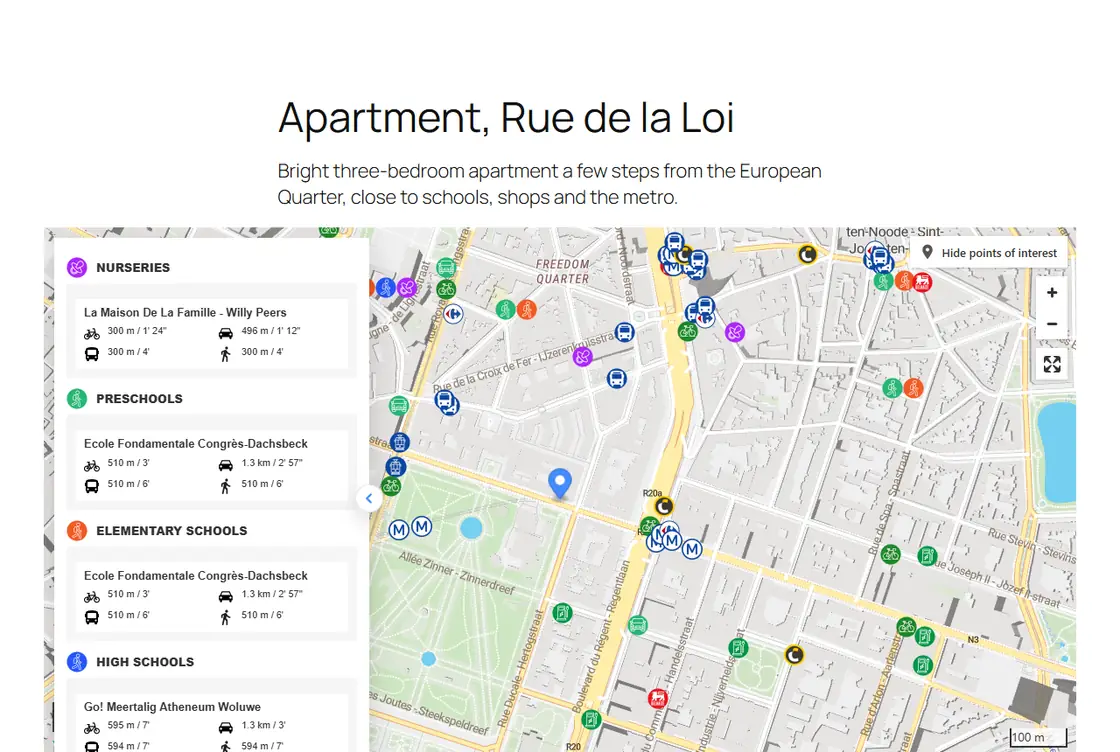
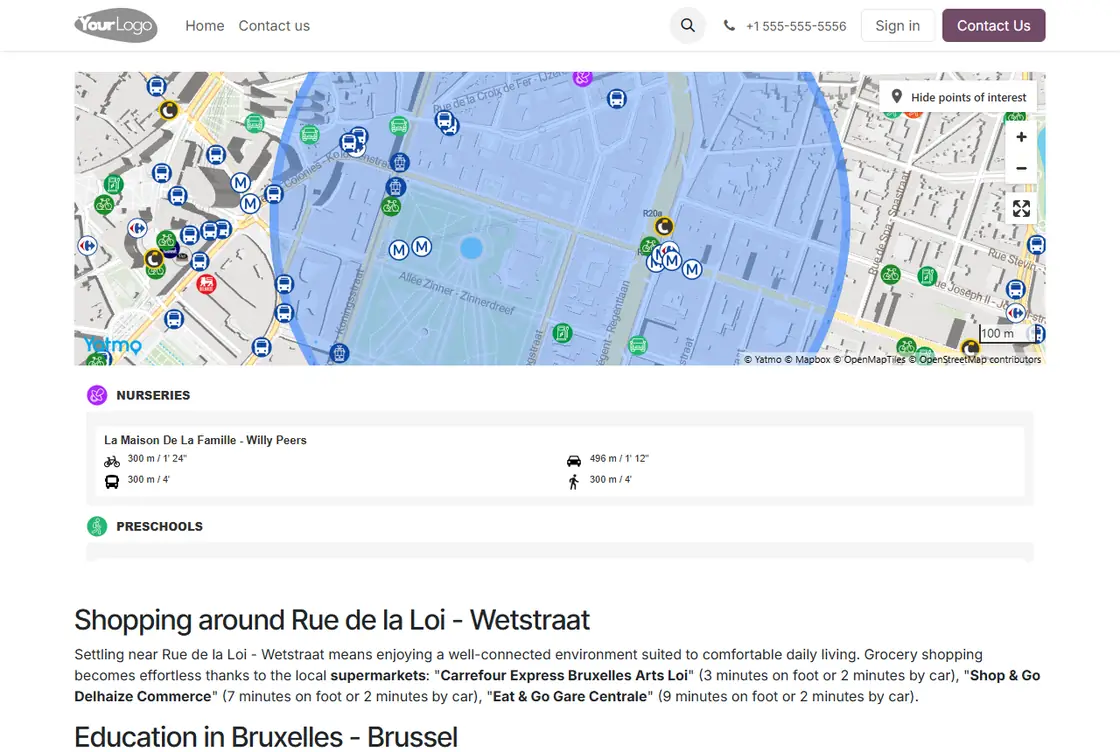
Examples from the Yatmo documentation. Select an image to view it full size.
Find your starting point
23 integration paths
Add maps and neighbourhood text with blocks or shortcodes. Reuse the coordinates stored in your property listing fields. Works with page builders that support shortcodes, including Elementor and Divi.
Add a map and local text to your property website using Odoo blocks and templates. Available for Odoo.sh and on-premise deployments; Odoo Online does not accept this third-party module.
Display the map and neighbourhood content through blocks and location field formatters on your property content types.
Bring neighbourhood maps, nearby places and local text into your property templates through the Yatmo extension.
Use an embed connected to a property address or coordinates. The guide covers the map, nearby places and local text for no-code websites.
Add the Yatmo map and local context with code components and connect them to your CMS fields.
Use visual elements connected to the property address or coordinates in your database.
Embed the interactive map in your property pages and adapt its appearance and options to your brand.
Place the ready-made neighbourhood map in a website that accepts an iframe. Choose the map and summary layout for your listing.
Show the places around a home with distances and travel times, grouped by category.
Add readable local paragraphs to your listing. Choose an integration that puts the text in the page HTML when search visibility matters.
Use Blade components for maps and local content, with server-side access to the Yatmo API.
Use the Symfony bundle to add map and neighbourhood components to your Twig templates.
Connect a CRM or property feed to an enrichment workflow. Fetch neighbourhood data or generate local content when a listing is published.
Connect your software backend to Yatmo location data. Your team controls field mapping, storage and the publication workflow.
Use the JavaScript SDK and framework components in your property platform. The API client also works in Node applications.
Add a native map to your iOS listing screens and use neighbourhood data in your own app interface.
Bring a native map and location data into your Android property app.
Add Yatmo maps and location data to a cross-platform property app.
Use the Flutter map widget and Dart client in your real estate app.
Reuse the ready-made web map and summary inside a hybrid mobile app.
Connect an AI assistant to Yatmo tools for supported neighbourhood questions.
Manage client access when your software serves multiple agency websites or brands.
Tell us which software you use. We’ll help you assess an embed or API integration.
For software vendors and agency networks
Keep your CRM as the source of property information. Yatmo adds the local context your listing pages and customer websites need.
Pass the property location from your CRM or feed. Retrieve nearby places and proximity fields with the API, or connect a workflow through n8n.
Explore listing enrichmentChoose a CMS plugin or an embed for customer websites. Use the API when your product needs its own interface.
For software & CRM vendorsPlan access and configuration across your clients’ websites with Yatmo’s white-label management.
White-label integration guideCMS plugins and API integrations are different routes. For a named CRM, we’ll confirm its available hooks and the work needed; this directory does not imply a ready-made connector to every CRM.
Automate your customer rollout
Our client-management API lets your team generate a key for each customer and manage its authorised domains. Automate onboarding and access across the websites you operate, instead of maintaining keys by hand.
This API is available on request and is not included in the public documentation.
Before you roll out
Validate categories and language support for the countries your product serves.
Check coverageUse the documented domain, app or backend authentication. Backend credentials stay on your server.
License & keysTest real property screens, loading, missing results and content refresh before rolling out across your catalogue.
Explore implementation guidesBefore you choose
Yes. Use the Yatmo WordPress plugin in your listing template with a block or shortcode. It can use your property’s address or location fields. The same plugin also supports neighbourhood text. Read the WordPress guide.
The module is for Odoo.sh and on-premise installations. Odoo Online does not accept third-party modules. Review your hosting setup before choosing this route. See the Odoo integration requirements.
Yes. WordPress and Odoo can place the neighbourhood text in the property page’s HTML. This is separate from the embedded map: it gives the page readable local content, without guaranteeing a ranking improvement. Explore neighbourhood content for SEO and GEO.
A custom integration may use the REST API, an embed, or an n8n workflow, depending on what your CRM exposes. Share the software name and the publication flow so we can confirm what is possible. Explore the approach for CRM vendors.
Yes. Yatmo provides mobile map SDKs for Swift, Kotlin, React Native and Flutter, plus a WebView route for hybrid apps. Compare the mobile SDK options.
Your addresses. Your product.
Share your platform, a property page and your target countries. We’ll help you choose the integration and arrange a one-month trial.